

If you’re feeling overwhelmed by terms like “hosting,” “domain,” “DNS,” and “registrar,” you’re not alone. Most first-time website owners get tripped up right here—at the very beginning—because no one explains these two foundational concepts clearly before trying to sell them something. This guide fixes that.
The short version: a domain name is your website’s address, and hosting is where your website actually lives. You need both. They are purchased separately, connected through a settings update, and they serve completely different purposes. Everything else in this guide builds on that distinction.
What Are Website Hosting and Domain Names?
A domain name and web hosting are not the same thing—and the terms are often confused with each other and incorrectly used interchangeably. Understanding the difference before you spend a dollar is one of the most useful things you can do as a new site owner.
What Is a Domain Name?

A domain name is the URL address that internet users type into their browser to land on a website. Think of it as your street address on the internet—it tells visitors exactly where to find you. Without it, no one could locate your site.
Under the hood, a domain maps an IP address (such as 192.168.1.1) to a word or phrase that’s much easier to remember. Computers speak in numerical IP addresses; humans speak in words. The domain name system (DNS) acts as the translator between the two.
A domain name has three structural parts:
- Top-Level Domain (TLD): The ending—.com, .org, .net, .io, etc.
- Second-Level Domain: The name you choose—your brand, business name, or topic.
- Subdomain (optional): A prefix like “blog.” or “shop.” that divides sections of your site.
You don’t own a domain name outright—you rent it. Registrations are always for a specific period (usually at least one year), and you control the domain for that period or until you stop renewing it. That renewal detail matters more than most guides admit, which we’ll cover later.
What Is Website Hosting?
Web hosting is the physical storage space where all your website’s files live—HTML, images, databases, code, and everything else that makes your site function. A hosting provider maintains servers (powerful computers connected to the internet) that store this data and deliver it to visitors on demand.
When a person enters your domain into their web browser, your hosting server sends the necessary files back to the user’s device so they can view your website and its contents. The whole exchange happens in fractions of a second—when it works well, you never notice it.
The classic analogy holds up well: if your domain is your website’s street address, web hosting is the actual house. You can have a perfect address printed on a map, but if there’s no building there, visitors have nowhere to go.
How Website Hosting and Domains Work Together
Hosting and domains connect through a settings update called DNS propagation. Once linked, the two work invisibly in the background every time someone visits your site. Getting this connection right is a one-time setup task—not something you need to think about every day.
Here’s what happens every time someone types your domain into a browser:
- The browser sends a request to the DNS system, asking: “Where does this domain live?”
- DNS acts like a phonebook to direct the request to the correct server.
- The server at your hosting provider receives the request and locates your files.
- Those files are delivered back to the visitor’s browser, which renders your website.
The critical point: without a domain, your browser won’t know where to start looking for your site. Without a web hosting plan, that domain will point to nothing. Combined, they make your site findable and functional.
Should You Buy Them Together or Separately?
Many hosting providers offer a free domain for your first year when you purchase a plan. That convenience is real—one login, one dashboard, one support team. But the honest reality is that bundling isn’t always the smartest long-term move.
You should generally get a domain name from a domain registrar and hosting from a web hosting service. Keeping them separate means you can switch hosting providers in the future without risking your domain, and vice versa. If you do bundle them, make sure your domain is transferable and that renewal pricing is transparent before you commit.
Types of Website Hosting Explained

Not all hosting is built the same. The right type depends on your website’s size, traffic expectations, technical comfort level, and budget. Here’s a side-by-side breakdown of the most common options:
| Hosting Type | Best For | Typical Monthly Cost | Key Trade-Off |
|---|---|---|---|
| Shared Hosting | Blogs, portfolios, small business sites with modest traffic | $2–$6/mo | Lowest cost; server resources shared with other sites—performance can dip under traffic spikes |
| Managed WordPress Hosting | WordPress sites where you want performance and maintenance handled for you | $15–$30/mo | Higher cost; automatic updates, better speed, expert WordPress support included |
| VPS Hosting | Growing sites needing more control and dedicated resources | $20–$100/mo | More power and flexibility; requires more technical knowledge to manage |
| Dedicated Hosting | High-traffic sites, e-commerce stores, enterprise applications | $80–$300/mo | Maximum performance and control; highest cost, server management is your responsibility |
| Cloud Hosting | Sites with unpredictable or rapidly scaling traffic | $50–$300/mo | Excellent scalability and reliability; pricing can be variable depending on usage |
Shared Hosting: The Starting Point for Most Sites
Shared hosting is like renting a room in a large apartment complex. There are multiple tenants, and each one has a private space, but you all share common amenities like the server resources. It keeps costs low because the infrastructure expense is split across hundreds or thousands of customers.
The gotcha to watch for: your site’s performance can suffer when other sites on the same server receive heavy traffic. For most new sites, this is an acceptable trade-off. But if your site gets a sudden spike in visitors—a viral post, a product launch, a press mention—shared hosting can buckle under the load.
Managed WordPress Hosting: Worth the Upgrade?
Managed WordPress hosting is a specialized, performance-optimized environment designed to run WordPress efficiently, securely, and with minimal technical effort on the user’s part. The host handles updates, security patches, backups, and caching—you focus on content.
The honest trade-off: managed hosting services can sometimes restrict certain plugins that have known vulnerabilities or pose performance risks. You get a tighter, faster environment—but with less flexibility to install whatever you want.
For bloggers, small business owners, and solopreneurs running WordPress sites who don’t want to think about server management, managed WordPress hosting typically delivers a clear return on the extra monthly cost.
The Hidden Cost in Shared Hosting Pricing
One more critical gotcha: shared hosting typically runs $2–$15/month, and that number looks appealing until you realize what it doesn’t include. Security tools, backup services, and CDN access are usually sold separately. The low introductory price is the starting point, not the full cost. Always read the renewal pricing before you commit to any plan.
How to Choose a Domain Name
Your domain name is a long-term brand asset. Choosing the right domain name plays a major role in how people discover, trust, and remember your brand online. Getting it right from the start saves you from the painful process of rebranding later.
Practical Rules for Picking Your Domain
- Keep it short and memorable. The harder it is to spell or say out loud, the harder it is to find.
- Default to .com when available. For most people, .com is the best domain extension because it’s widely recognized and easy to remember. There are now over 1,600 TLDs available, and alternatives like .io, .co, or .ai can work—but .com remains the default expectation for most audiences.
- Avoid hyphens and numbers. They create confusion when people try to share your URL verbally.
- Match your brand, not just a keyword. Keyword-stuffed domains look spammy and age poorly. Your brand name is almost always a better choice.
- Check for trademark conflicts. A quick trademark search before you register can save expensive legal headaches later.
⚠️ The Domain Renewal Pricing Trap
Here’s what most guides won’t tell you: the price you see advertised for a domain is almost never the price you’ll pay year after year. Registrars frequently advertise discounted registration rates to attract new customers, sometimes pricing domains near cost or even below cost for the initial year. That promotional rate expires when your first year ends.
Buyers focus on the registration discount and overlook renewal pricing, only to discover later that keeping the domain active costs far more than expected. Before you register anywhere, look up the renewal price—not just the first-year rate. A domain that costs $0.99 to register can jump to $17.99 or more at renewal.
The practical fix: calculate your five-year total cost rather than focusing solely on first-year promotional rates. Multiply the annual renewal rate by five, add the first-year cost, and you’ll quickly see which registrars actually offer better long-term value.
Selecting the Right Hosting Provider
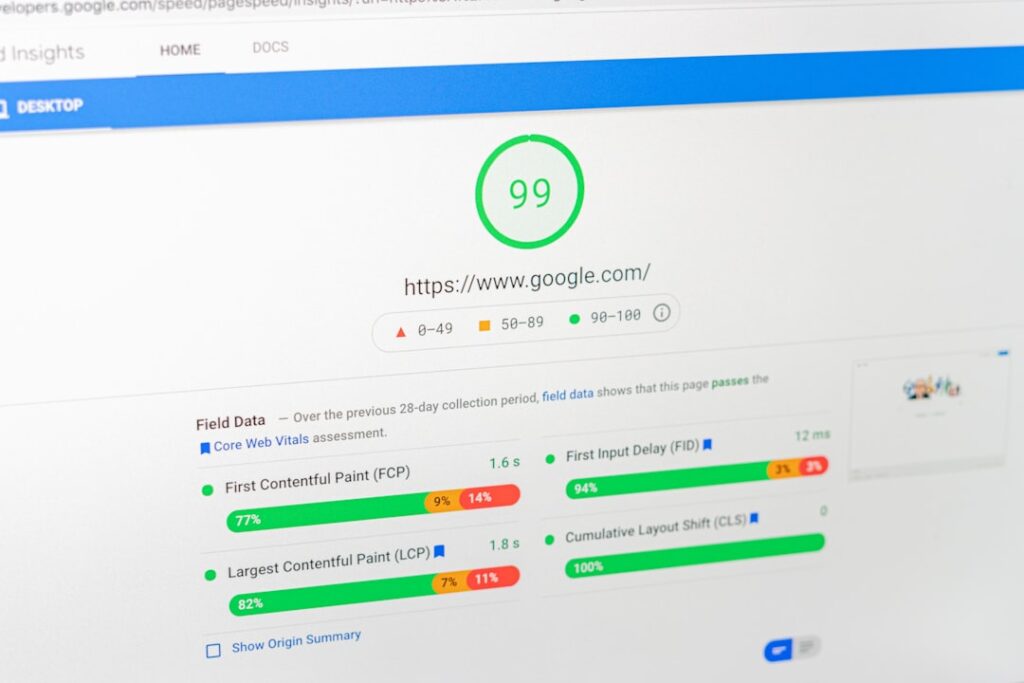
Choosing a hosting provider is one of those decisions that feels low-stakes until something goes wrong. Server downtime, slow load speeds, or a security breach will bring the importance of this choice into sharp focus fast. Here’s how to evaluate providers before you’re locked in.
Key Factors to Evaluate
- Uptime guarantee. 99.9% uptime is the industry standard for most web hosting providers. Anything below that should prompt a hard look at the provider’s track record.
- Page speed and performance. Websites that load within 2 seconds have an average bounce rate of 9%, while sites that take 5 seconds to load experience a 38% bounce rate. Your hosting environment directly affects this.
- Scalability path. Can you upgrade without migrating to a completely new provider? Migrating a website, even when a web hosting service does it for you, isn’t an easy task. Look for providers that offer a clear upgrade path from shared to VPS to dedicated or cloud hosting.
- Support quality. For WordPress sites especially, a support team that understands WordPress—not just servers generally—is worth the extra cost.
- Renewal pricing transparency. The same renewal trap that applies to domains applies to hosting. Introductory rates for hosting plans are often dramatically lower than what you’ll pay after the first term.
- SSL certificate included. An SSL certificate (the “https” in your URL) is now a baseline requirement, not a premium feature. Any reputable host should include it at no extra charge.
Matching Hosting Type to Your Website Goals
Think about where your site needs to be in 12–18 months, not just where it is today. When you’re just starting out, a shared web hosting plan may be enough, especially if traffic remains low. However, if you expect rapid growth or sudden spikes, a managed hosting service or VPS/Cloud solution will be more flexible.
A practical decision framework:
- New blog or personal portfolio → Start with shared hosting. Keep costs low while you build your audience.
- Small business site on WordPress → Consider managed WordPress hosting from day one. The reduced management overhead is worth the price difference.
- E-commerce or high-traffic site → Start at VPS or managed WordPress; plan for cloud scaling when needed.
- Agency or developer managing multiple client sites → Evaluate reseller hosting or cloud platforms that offer easy multi-site management.
If you’re not sure which category your site falls into, the team at WordPress AI Tools can help you work through it. Contact WordPress AI Tools for personalized hosting guidance—no jargon, no generic recommendations.
Getting Started: Step-by-Step Setup Guide
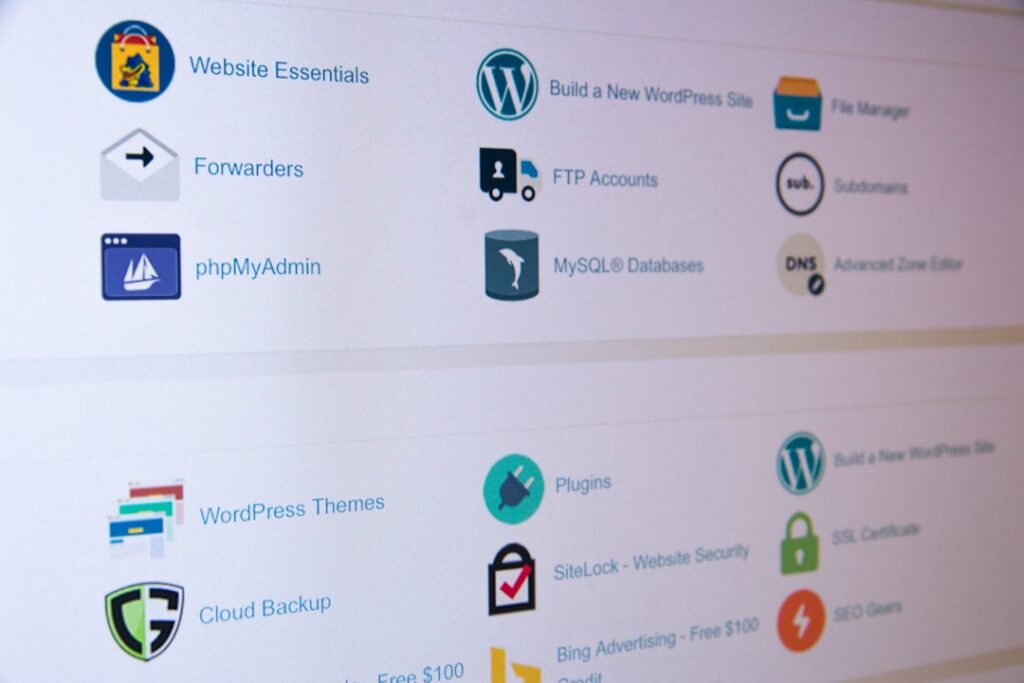
Ready to go from zero to a live website? Done is better than perfect, and your first site doesn’t need to be perfect—it needs to exist. Here’s the practical sequence to follow.
Phase 1: Claim Your Domain Name
- Brainstorm 3–5 domain name options. Have backups ready—popular names go fast.
- Check availability at a reputable registrar. Most have instant search tools.
- Compare renewal pricing, not just registration pricing. This is the step most people skip—and regret.
- Register your domain and enable auto-renewal immediately. Accidentally letting your domain expire can cause your website to go offline and allow your domain to be purchased by someone else.
- Enable WHOIS privacy protection. This keeps your personal contact information out of public domain databases.
Phase 2: Choose and Set Up Hosting
- Select your hosting type based on the framework above—shared for beginners, managed WordPress for most WordPress users.
- Purchase your hosting plan. Read the renewal terms before you checkout.
- Install WordPress (or your CMS of choice) through your host’s control panel. Most reputable hosts offer one-click installers.
- Set up your SSL certificate. An SSL certificate helps with the security of your website while transferring information from one point to the other—it allows using HTTPS protocol. It’s especially critical if you handle any payment or user data.
Phase 3: Connect Your Domain to Your Hosting
- Log into your domain registrar’s dashboard and find the DNS settings.
- Update your nameservers to the ones provided by your hosting company. Your host will give you these—they typically look like “ns1.yourhostingcompany.com.”
- Wait for propagation. DNS changes can take anywhere from a few minutes to 48 hours to fully take effect globally. Most updates complete within a few hours.
- Verify your site is live by typing your domain into a browser. If it loads your new site, you’re good.
Phase 4: Ongoing Maintenance
- Keep WordPress, themes, and plugins updated. Outdated software is the leading cause of WordPress security breaches.
- Set up automatic backups, or confirm your host handles them.
- Monitor your site’s uptime—free tools like UptimeRobot can alert you if your site goes down.
- Watch for domain and hosting renewal notices so you’re never caught off-guard by a price change or expiry.
Frequently Asked Questions
Next Steps for Your Website
Getting your hosting and domain sorted is the foundation—but it’s only the beginning. Once your site is live, you’ll face decisions about WordPress themes, plugins, page builders, speed optimization, SEO, and content strategy. Each of those layers adds complexity, but none of them are as confusing as they first appear.
The honest reality is that most people don’t need every feature every tool advertises. They need a clear setup that matches their actual goals, a hosting environment that won’t let them down, and a domain name they’ll be happy with in five years. Start there, and build up from a stable foundation.
At WordPress AI Tools, we work with bloggers, small business owners, and WordPress developers who are tired of generic advice that doesn’t account for their specific situation. If you want help mapping out the right hosting setup, choosing tools that fit your workflow, or just getting a second opinion before you commit to a plan, we’re here for that conversation.
Contact WordPress AI Tools today for a personalized recommendation tailored to your site goals—no pressure, no cookie-cutter advice. If you’re not ready for that step yet, bookmark this guide and revisit it when you’re ready to take action. Your site will be there waiting.
Frequently Asked Questions
Do I need to buy my domain and hosting from the same company?
No, and in most cases it’s better not to. Buying them separately gives you more flexibility—if you want to switch hosting providers later, your domain stays safely with your registrar and isn’t tied to any hosting contract. That said, bundling can be convenient for beginners who want a simpler setup. Just make sure your domain is transferable and that renewal pricing on both products is clearly disclosed before you commit.
How long does it take for a domain to connect to hosting?
DNS propagation—the process of your domain change spreading across the internet—typically takes between a few minutes and 48 hours. Most updates complete within a few hours. During this window, some visitors may see your old site while others see the new one. There’s nothing you need to do except wait; the change propagates automatically.
What happens if my domain expires?
If your domain expires, your website will go offline and visitors will see an error page instead of your content. After a short grace period, expired domains can enter a redemption phase where recovering them becomes significantly more expensive—and if not recovered, they may become available for others to register. Always enable auto-renewal on your domain to prevent this from happening.
Is shared hosting good enough for a WordPress site?
For a new blog, portfolio site, or small business website with moderate traffic, shared hosting is usually a practical and cost-effective starting point. The limitation is that you share server resources with other sites, which can cause performance dips during traffic spikes. If your site represents your primary business, income, or brand reputation, managed WordPress hosting is a worthwhile upgrade—it handles updates, backups, and performance optimization for you.
Why is the domain renewal price higher than the registration price?
Most domain registrars advertise heavily discounted first-year prices to attract new customers, then charge a higher standard renewal rate from year two onward. This is a deliberate pricing strategy—the registrar recovers the discount through long-term retention. Before registering any domain, always check the renewal price, not just the first-year promotional rate. Calculate your five-year total cost to find out which registrar is genuinely more affordable over time.

